Blog
Setting Up an Online Shop with WooCommerce: A Step-by-Step Guide
Published:
1. Domain and hosting
WooCommerce runs on any hosting that runs WordPress, and most hosting companies install WordPress in one click. An online shop must have an SSL certificate; most hosts include one for free. Shared hosting is enough at the start; if the site slows down as products and visitors grow, you upgrade the plan.
Buy the domain and hosting in your own name, on your own account. If the shop is built on someone else's account, moving it or changing providers later gets harder.
2. Installing WordPress and WooCommerce
After WordPress is installed, WooCommerce is installed for free from the Plugins section of the admin panel. The setup wizard asks for the store address, the country you sell to and the currency. In Turkey the price shown to consumers has to include taxes; enter prices with VAT included and set up the tax settings to match.
If you have not chosen between WooCommerce and Shopify yet, read Shopify or WooCommerce first.
3. Theme and design
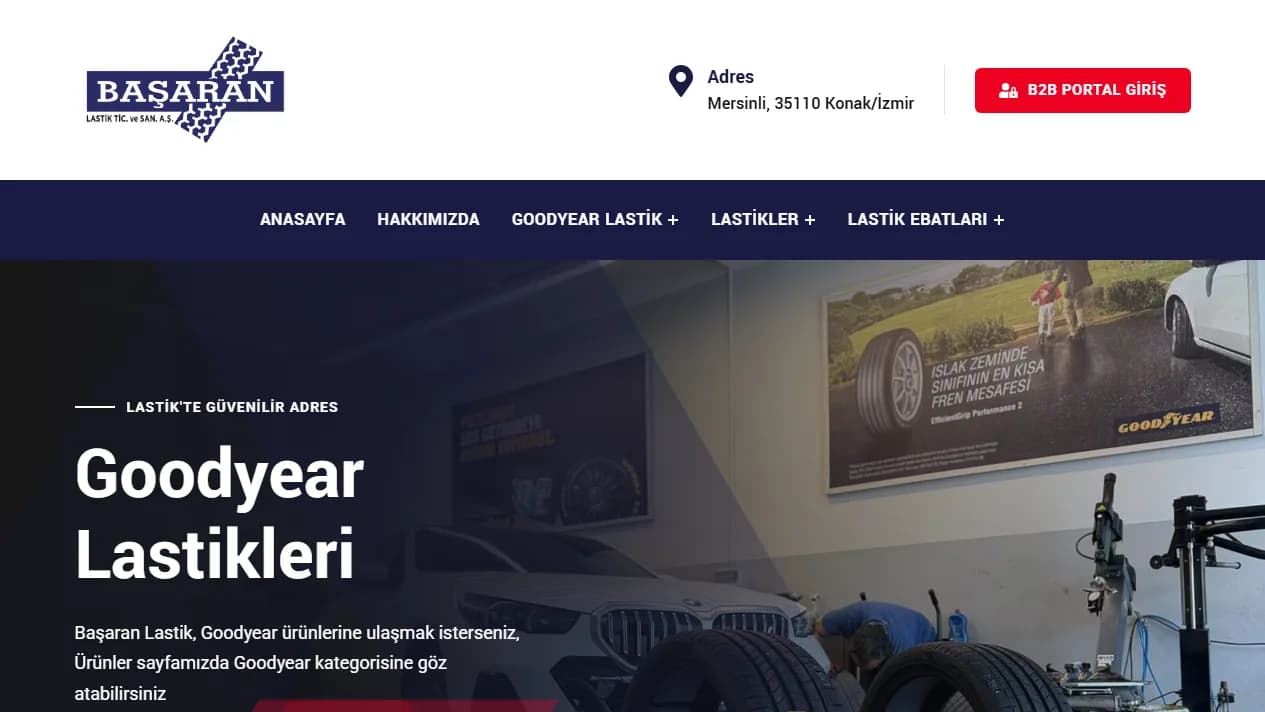
Choose a fast theme that supports WooCommerce. Ready themes come with demo content; if you imported it, clear out the fake products, posts and images before launch. On Başaran Lastik's site we simplified the menu and header, cleared the demo content and translated every visible text into Turkish.
Most visitors reach a shop from their phone. Try the design on a phone first: the product list, product page, cart and checkout should be easy to use on a small screen.
4. Payment methods
Payment providers such as iyzico and PayTR have WooCommerce plugins. Once your application is approved, the keys you receive are entered into the plugin; make a test payment in test mode before launch. Bank transfer and cash on delivery come built into WooCommerce.
5. Shipping settings
In WooCommerce you define shipping zones and set a rate for each: a flat fee, free shipping above a set amount or local pickup. If you have a business agreement with a carrier, integration plugins can link the shipment record and tracking code to the order.
6. Adding products
Set up the category structure first, then add the products. Products with options such as size, colour or dimensions are entered as "variable products". If you have many products, WooCommerce's CSV import tool uploads them in bulk.
On Başaran Lastik's site we migrated the old site's tyre, wheel and battery catalogue with its categories. For Avrosis, 41 products and 10 collections were moved from Shopify. Resize product images before uploading; large images are what slows a shop down the most.
7. Legal pages and ETBİS
Prepare the distance sales contract, pre-information form, return and withdrawal terms, KVKK privacy notice and cookie policy pages, and add a checkbox at checkout where the customer accepts the contracts. Businesses selling through their own site also need ETBİS registration. We cover these in detail in our post on starting an online shop.
8. Pre-launch checklist
Place a full test order: add a product to the cart, pay, and check the emails sent to the customer and to you, and the invoice. Open the site on a phone and check its speed. Connect it to Google Search Console, submit the sitemap and turn on automatic backups.
If you are moving from an old shop, redirect the old product addresses to the new pages; otherwise you lose your Google rankings. When moving Avrosis, we redirected the old Shopify addresses to the new pages and kept the search titles.
Build it yourself or have it built?
You can set up your shop yourself by following these steps. If you do not have the time, or want payments, shipping and migration done in one go, we build it for you: an online shop starts from $300 and usually goes live in 2-3 weeks.
Related service
E-commerce Website Development