
Blog
Turning WhatsApp Voice Messages into Text: 3 Ways and Privacy
Published:
1. The WhatsApp and phone feature
WhatsApp offers voice message transcripts; when it is turned on you see the text under the message. The setting is under voice message transcripts in the Chats section. The transcript is made on the phone and the audio is not sent to WhatsApp servers.
Language support depends on the phone and the app version. If your language is available, this is the easiest way for short messages; if it is not, or you want to process audio files, look at the options below.
2. Getting the voice message as a file
For the other two options you need the audio as a file. On the phone, long-press the message and use Share to send it to yourself or to your computer; WhatsApp voice messages are usually .opus or .ogg files. If WhatsApp on your computer shows a download option in the message menu, you can save it from there too.
Meeting recordings, the phone voice recorder or the sound of a video can be converted as files in the same way.
3. Websites and online services
You upload the audio to a website and the text comes back in seconds. It is easy and nothing needs to be installed. Free plans usually limit the length or number of files, and heavier use costs a monthly fee.
The real issue is privacy: the audio goes to the service's servers. Client requests, business calls or personal conversations are then stored under that service's rules, not yours. At work, uploading someone else's voice to an outside service is also something to think about under data protection rules.
4. A program that runs on your computer
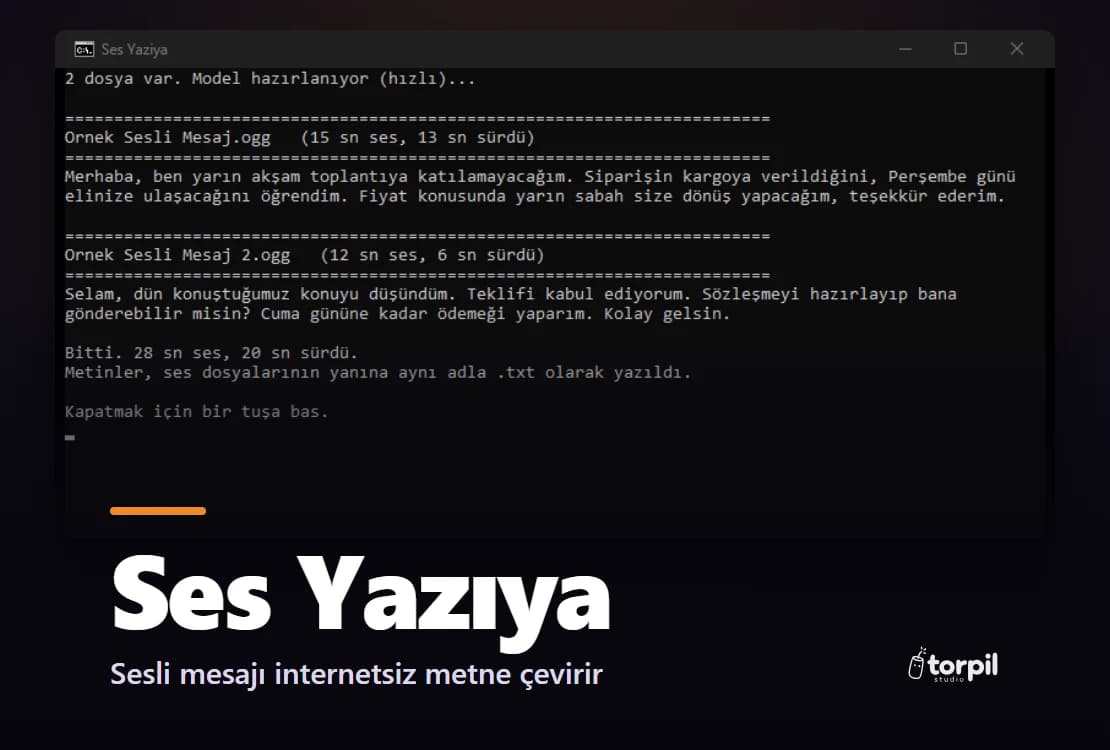
Open source speech recognition models such as Whisper now run on an ordinary computer, even without a graphics card. This way the audio never leaves your computer, no internet is needed and there is no limit on files or length.
The hard part is setup: installing the model and the software it needs by hand takes technical knowledge. The Ses Yazıya program in our store packages this up: you unzip it, double-click, drag your audio files onto it, and the text appears on screen and is saved next to the audio as a .txt file. It is made for Turkish speech.
5. Getting accurate results
Whichever way you choose, the recording matters most. Background noise, speaking far from the phone, several people talking at once and proper names all increase word errors. If you can, record in a quiet place, close to the phone.
Fast models do well on short, clear messages; on long or noisy recordings larger models are more accurate but slower. When you take important details such as an address, an amount or a date from the text, check them against the audio once.
Which one to choose?
For the occasional short message, the phone feature is enough. If you convert many recordings, or the audio is something that should not leave your hands, such as client calls, a program running on your computer is the better fit. Online services are handy for one-off jobs where privacy does not matter.
If you want a desktop program or automation built around your own workflow, desktop software development starts from $50 with us.
Product
Ses YazıyaA Windows app that turns Turkish voice messages and recordings into text. It runs on your PC; the audio never goes online.
Related service
 Desktop Software DevelopmentStarting from $50