Blog
How to Make a Game with Godot: A Beginner's Guide
Published:
Why Godot?
Godot is released under the MIT licence: you download and use it, and it asks for no share or fee from your game. The download is small, and both 2D and 3D games are possible. It is lighter than Unity and Unreal and moves fast, especially for 2D and mobile games.
1. Installing and the project
You download the engine from Godot's website and create a new project. For a mobile game, set the screen orientation (portrait or landscape) and the stretch settings for different screens in the project settings from the start.
2. Scenes and nodes
In Godot everything is made of nodes: a character, a button, a sound. Nodes come together to form a scene, and scenes are placed inside other scenes. The player character can be one scene and a level another.
3. GDScript
Godot's own language is GDScript; it resembles Python and is easy to learn. C# can be used too if you prefer. A script is attached to each node, and that node's behaviour is written there.
4. Signals
Nodes tell each other things through signals: when a button is pressed, when a character takes damage. Signals let parts talk without tying them tightly together, which keeps the project tidy.
5. Multiplayer games
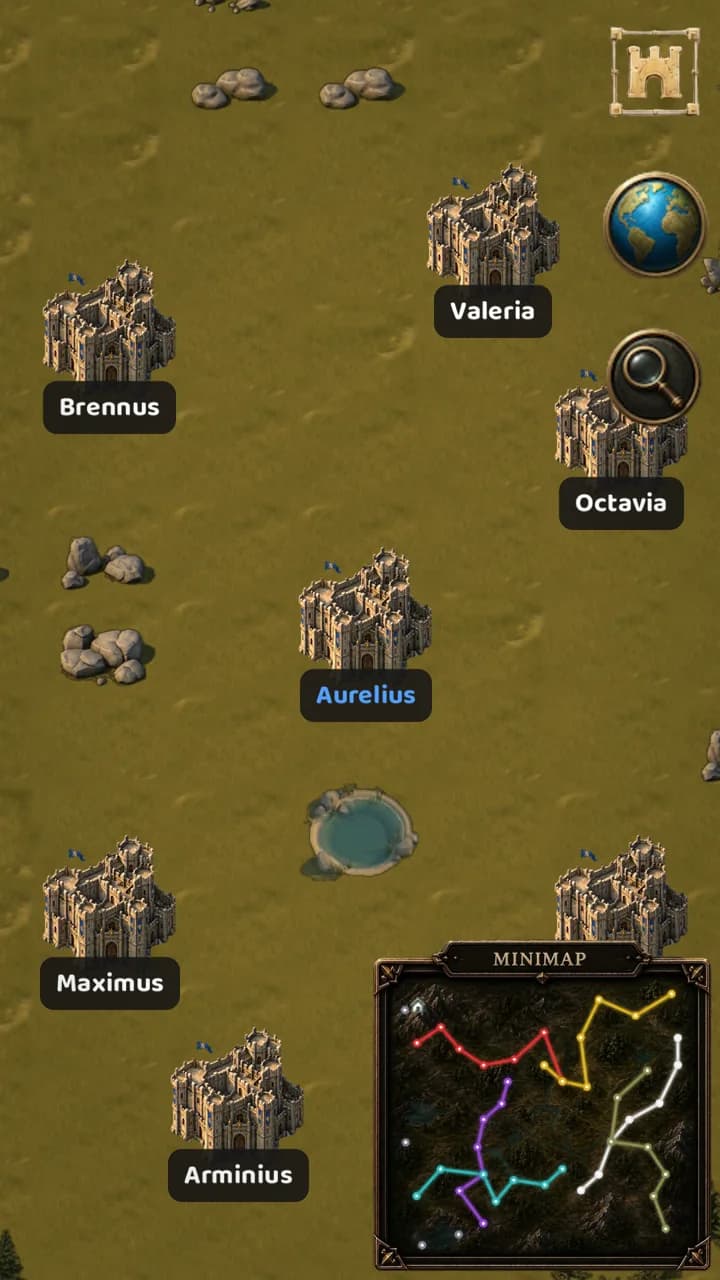
Godot's high-level networking tools are enough for simple multiplayer games. For games with a persistent world, such as city building and alliances, the server is written separately; in Conquer Empires the world map, attacks and alliances run on the server.
6. Exporting
Godot exports Android, iOS, Windows, macOS, Linux and web builds from the same project. Android needs the Android SDK and a signing key; iOS needs a Mac with Xcode.
Let's make your game together
We develop mobile and PC games with Godot and Unity; a new game starts from $800 with us. We covered the general steps of making a game in our post "How a Mobile Game Is Made: From Idea to Store".
Related service
Mobile & PC Game Development