Blog
Publishing an Android Game on Google Play: Account, 12 Testers and Review
Published:
1. The developer account: personal or organisation
To publish a game on Google Play you open a developer account in Play Console. The registration fee is a one-off $25 with no annual renewal. Google asks for identity verification during sign-up, so the details should match the name on your official document.
There are two account types: personal and organisation. An organisation account needs the company D-U-N-S number. The type you pick directly affects the next step: the closed testing requirement applies to new personal accounts.
2. 12 testers and the 14-day closed test
Personal accounts created after 13 November 2023 must run a closed test before releasing a game to everyone. The requirement is this: at least 12 people must have opted in to the test and stayed opted in for 14 days in a row. When the period is over you apply for production access in Play Console and answer a few questions about the test.
The most common mistake here is stopping at adding people to the list. A tester has to opt in through the invitation link and install the game from Google Play; if someone leaves the test along the way, the count can drop below 12. Starting with a few more than 12 people, and actually having them play and send feedback during the test, makes this easier.
This requirement adds at least two weeks to the schedule. Starting the test with the first playable build, before development is finished, brings the release date forward.
3. The file you upload: AAB and app signing
For new games Google Play requires an Android App Bundle (AAB) rather than an APK. Tools such as Unity, Godot and Flutter can all export an AAB. The game is signed with Play App Signing: you sign with your upload key, and Google signs the version that goes to the store with a key it keeps. Store the upload key and its password somewhere safe; every later update is uploaded with the same key.
There are two more technical details. The version code of each upload has to be higher than the previous one. The game also has to target a recent Android version (the target API level); Google raises this minimum every year, so check the current requirement in Play Console before you build.
4. The store listing: name, description and graphics
The store listing holds the game name (up to 30 characters), a short description (up to 80 characters) and a full description (up to 4,000 characters). For graphics you need a 512x512 pixel icon, a 1024x500 pixel feature graphic and at least two screenshots.
Players often decide from the icon, the name and the first screenshots alone. Show the game as it really is, picking its best moments; the first screenshot should explain what the game is at a glance. A graphic that shows something the game does not have breaks the rules and brings bad reviews.
5. The forms: content rating, data safety, privacy
Before release you fill in the "App content" section of Play Console. The content rating questionnaire sets the age rating of the game. In the data safety form you declare what data the game collects and who it is shared with; if you use an ads or analytics library, the data it collects goes here too. You are also asked whether the game contains ads and what the target age group is.
A privacy policy link is required as well. If children are part of the target audience, Google's families policy applies and the rules on ads and data get stricter, so keep that in mind when you choose the age group. The declarations in these forms have to match what the game actually does; a mismatch is one of the most common reasons for rejection.
6. Testing tracks and review
Play Console has three testing tracks. Internal testing is for a small team of up to 100 people and builds are distributed quickly. Closed testing is open to the people you invite; the 12-tester requirement is met on this track. In open testing the game is visible in the store and anyone can join.
A build sent to production goes through Google review. Review can take a few days, and Google notes that it may take longer in some cases. If you plan to announce a release date, leave a margin. If the build is rejected, the reason arrives by email; you can fix the issue and submit again.
7. After release
You do not have to release a new version to everyone at once. With a staged rollout the update first goes to a small percentage of users, and you raise the percentage if nothing goes wrong. The Android vitals section of Play Console shows crash and freeze rates; high rates can also affect how visible the game is in the store.
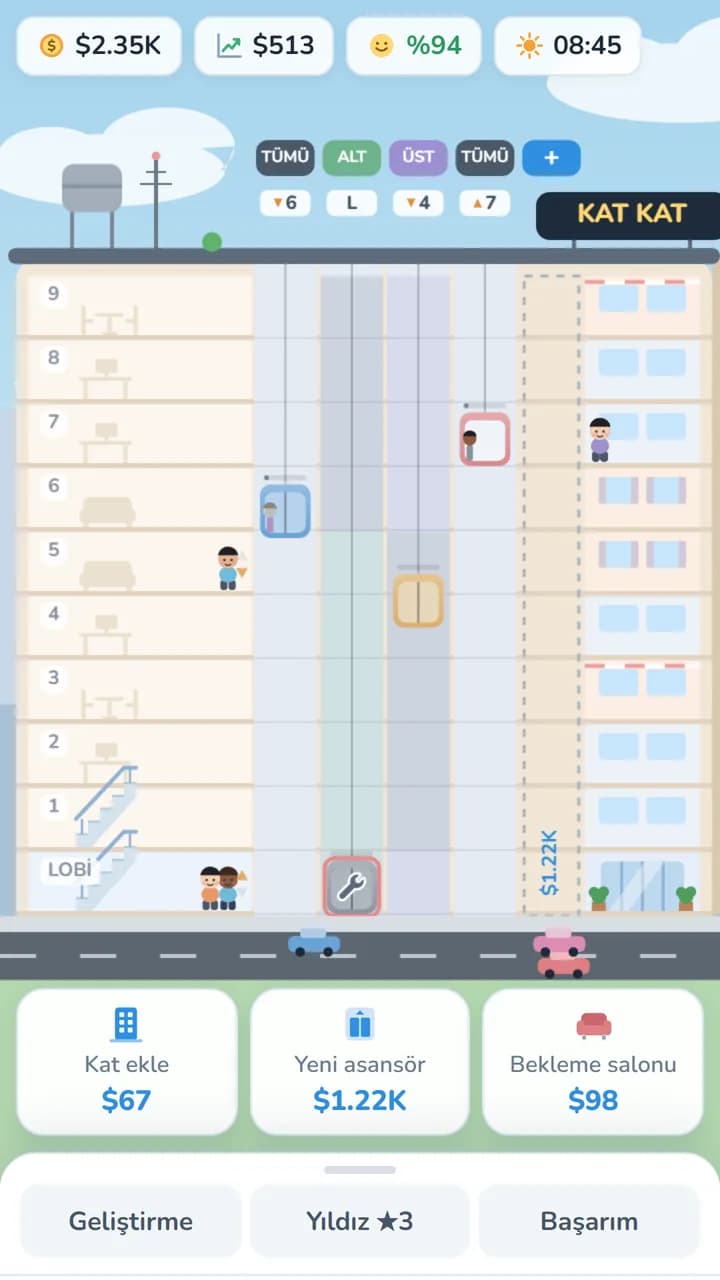
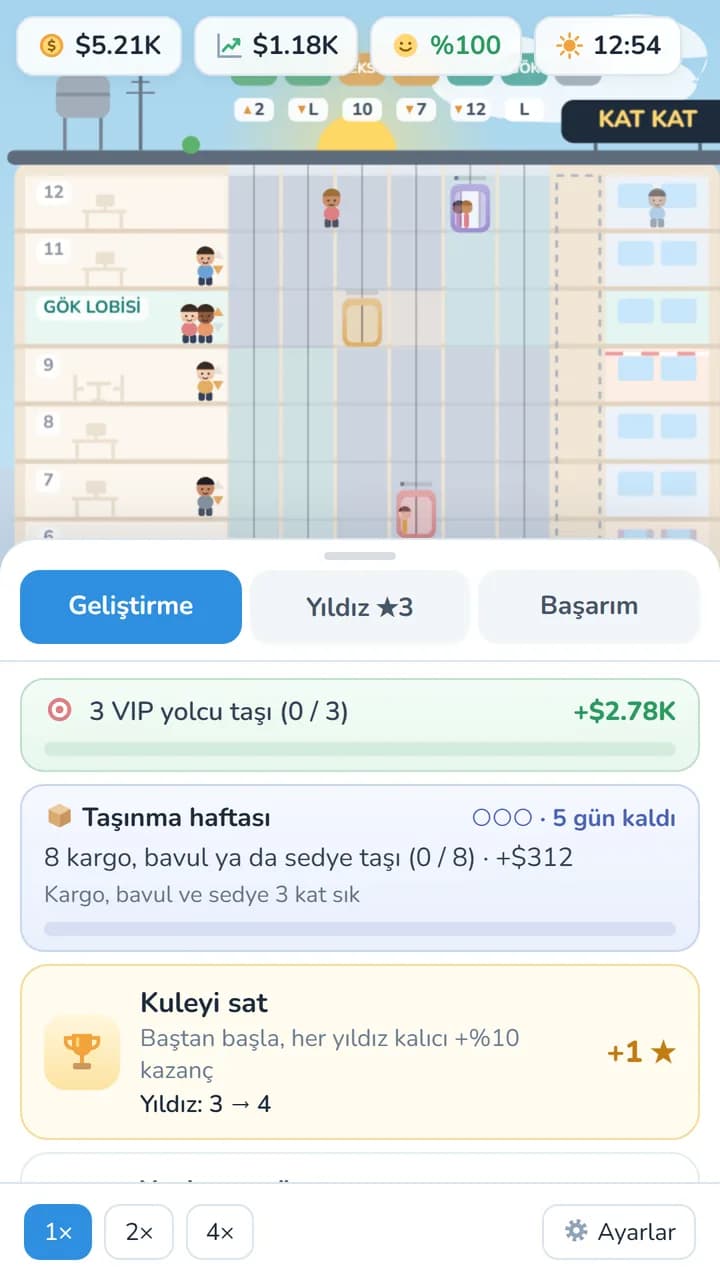
Replying to reviews and fixing reported bugs lifts the rating over time. Our own game Kat Kat is getting ready for Google Play too; we covered how games make money in How Much Do Mobile Games Earn? and the PC side in Publishing a Game on Steam.
Let's make your game
We develop mobile games from start to finish; the game is published from your own developer account, in your name, and we handle the upload and the release process. A new game starts from $800 with us. For the production steps, see How a Mobile Game Is Made.
Related service
 Mobile & PC Game DevelopmentStarting from $800